Visual Tour
Health Assistant — Visual Tour
Welcome to the visual tour of Health Assistant. These reproducible screenshots showcase the main pages and use cases of the application, generated against a comprehensive seeded clinical dataset.
Mobile views: not captured this run — pass
--viewport mobileto the capture script to generate.
Authentication
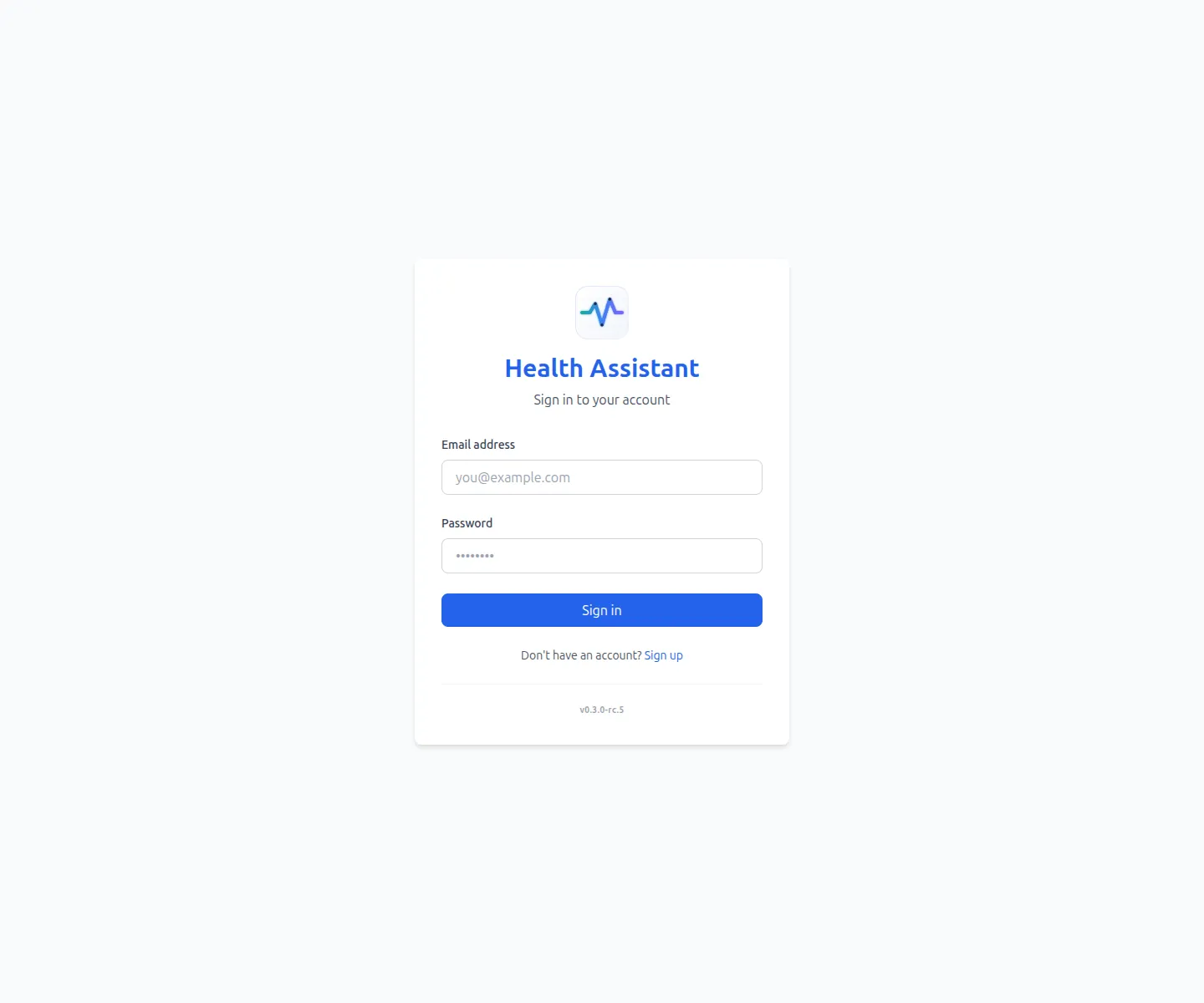
login
Sign-in screen — OAuth2 password grant against the FastAPI backend.
Overview
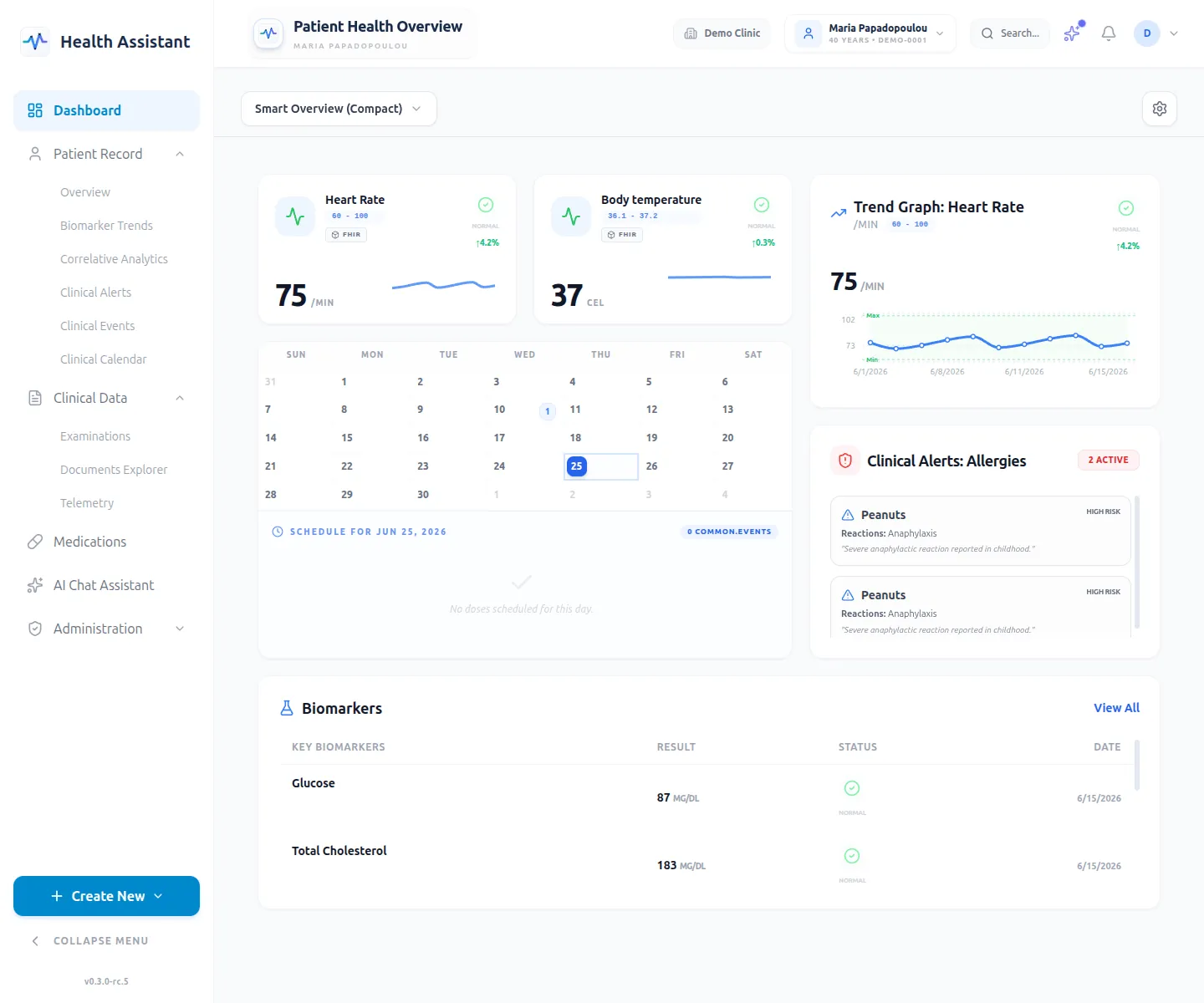
dashboard
Patient dashboard with the draggable react-grid-layout widgets.
Clinical data
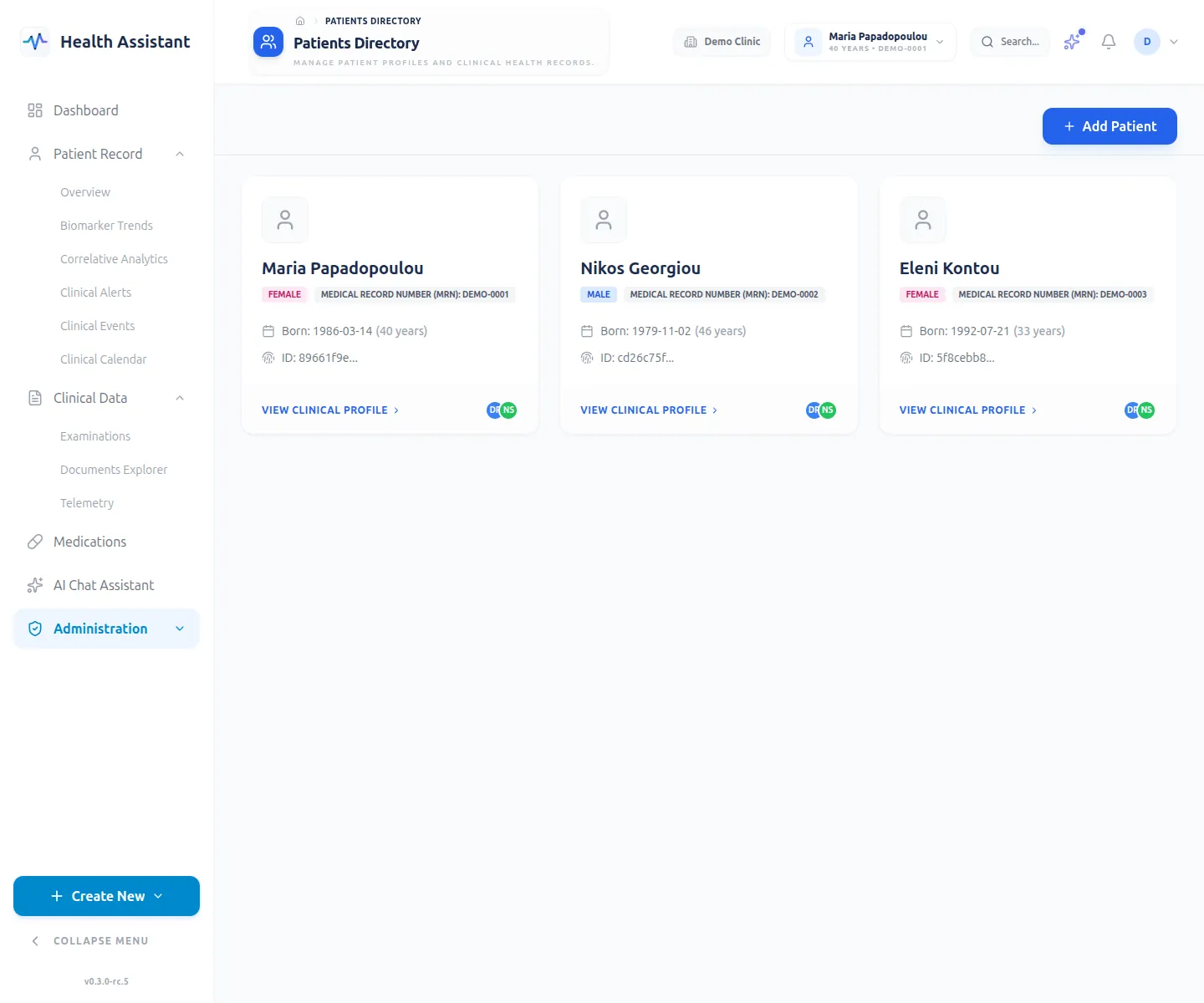
patients
Patient list — tenant-scoped, paginated, with search.
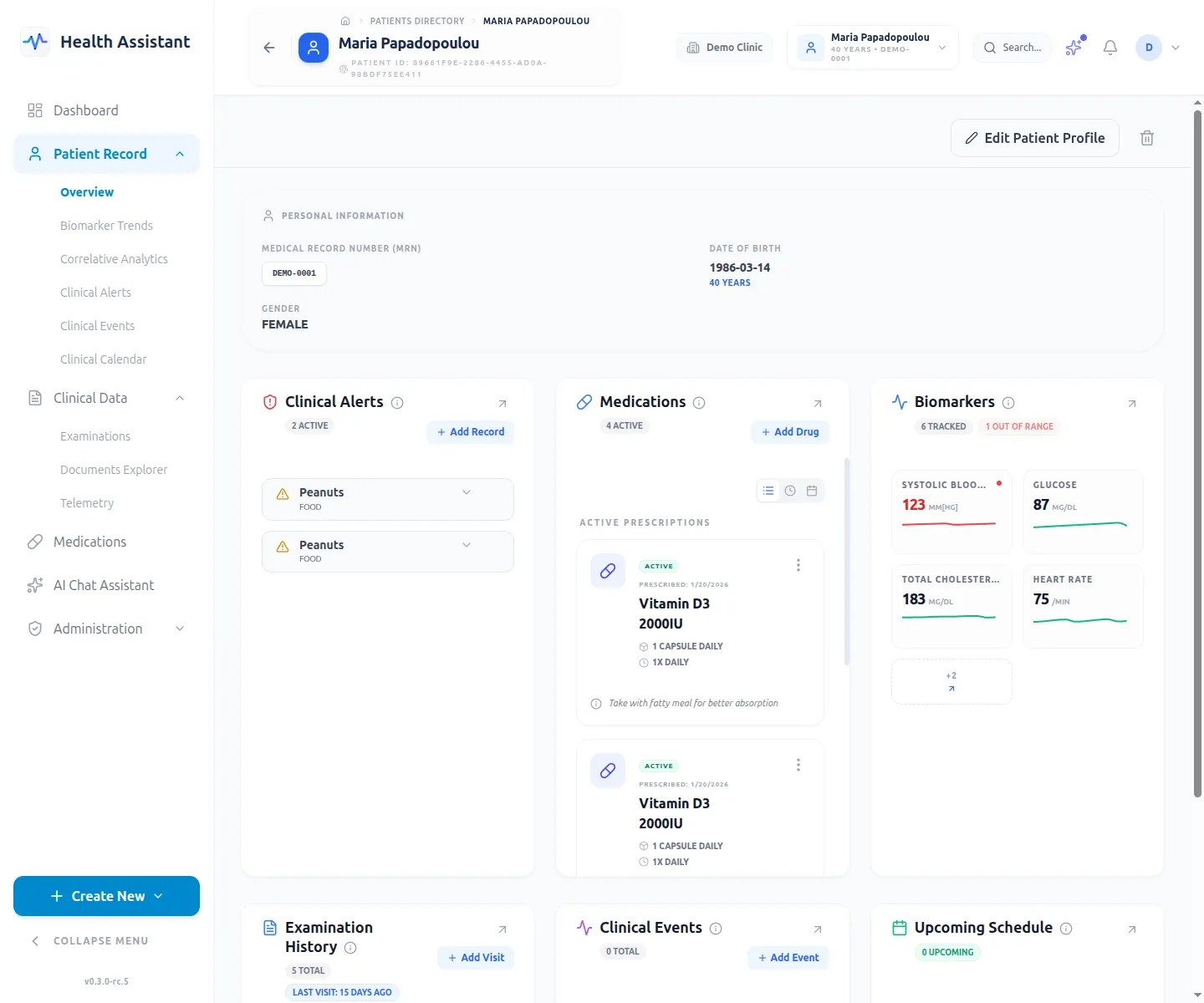
patient-detail
Patient detail view — demographics, timeline, and linked resources.
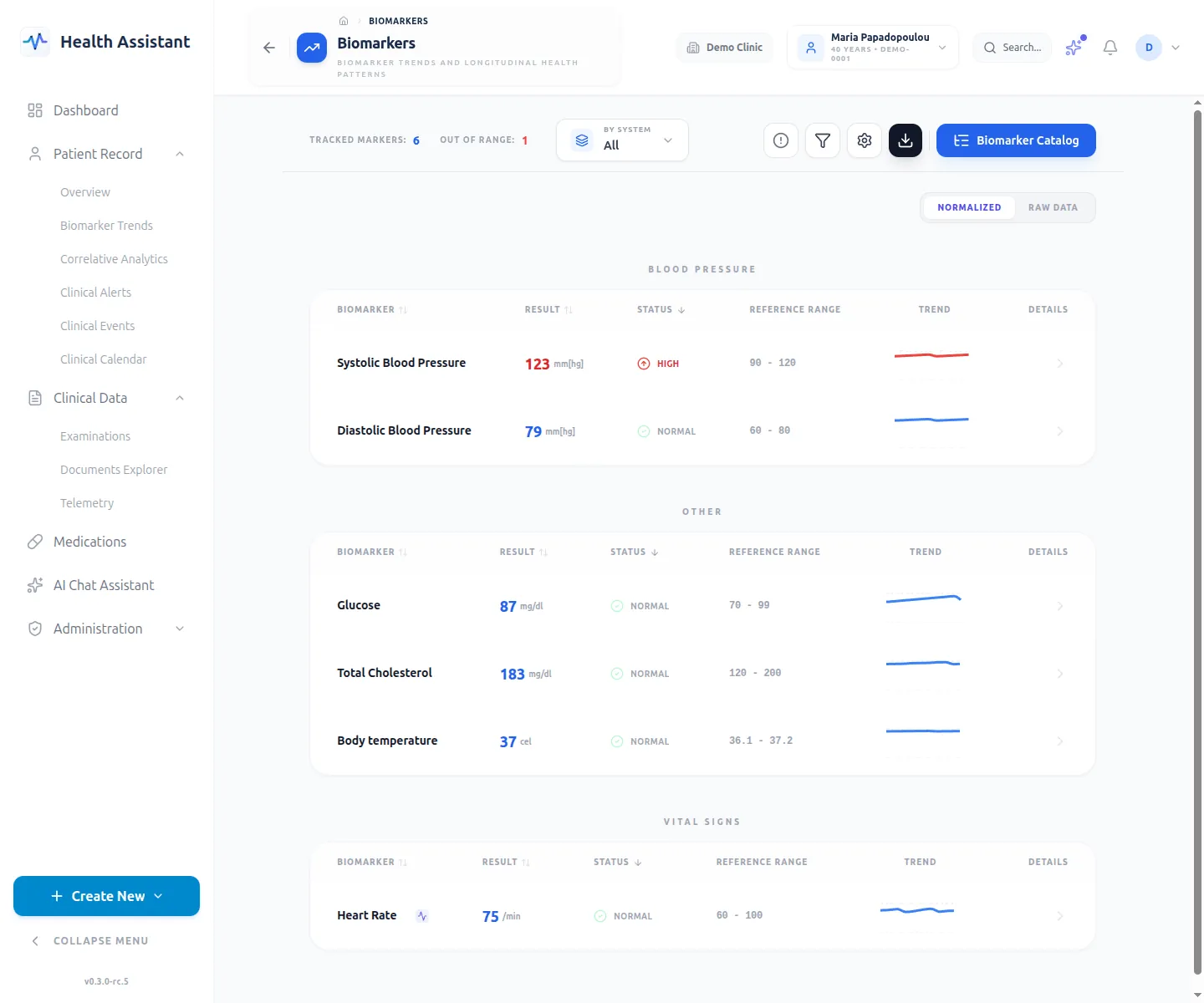
biomarkers
Biomarker catalog — definitions, units, and reference ranges.
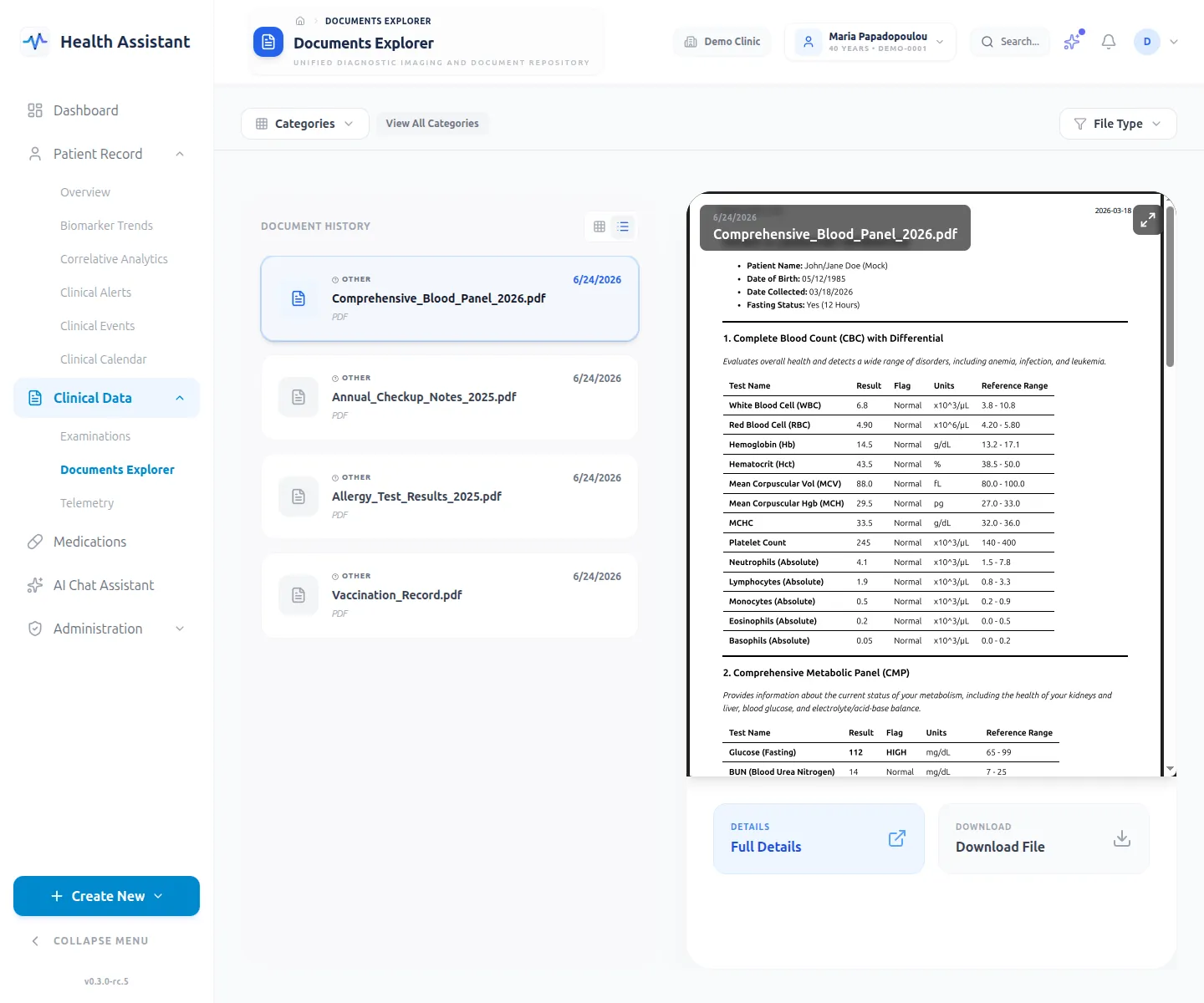
documents
Document list — uploaded exams/reports routed through the OCR pipeline.
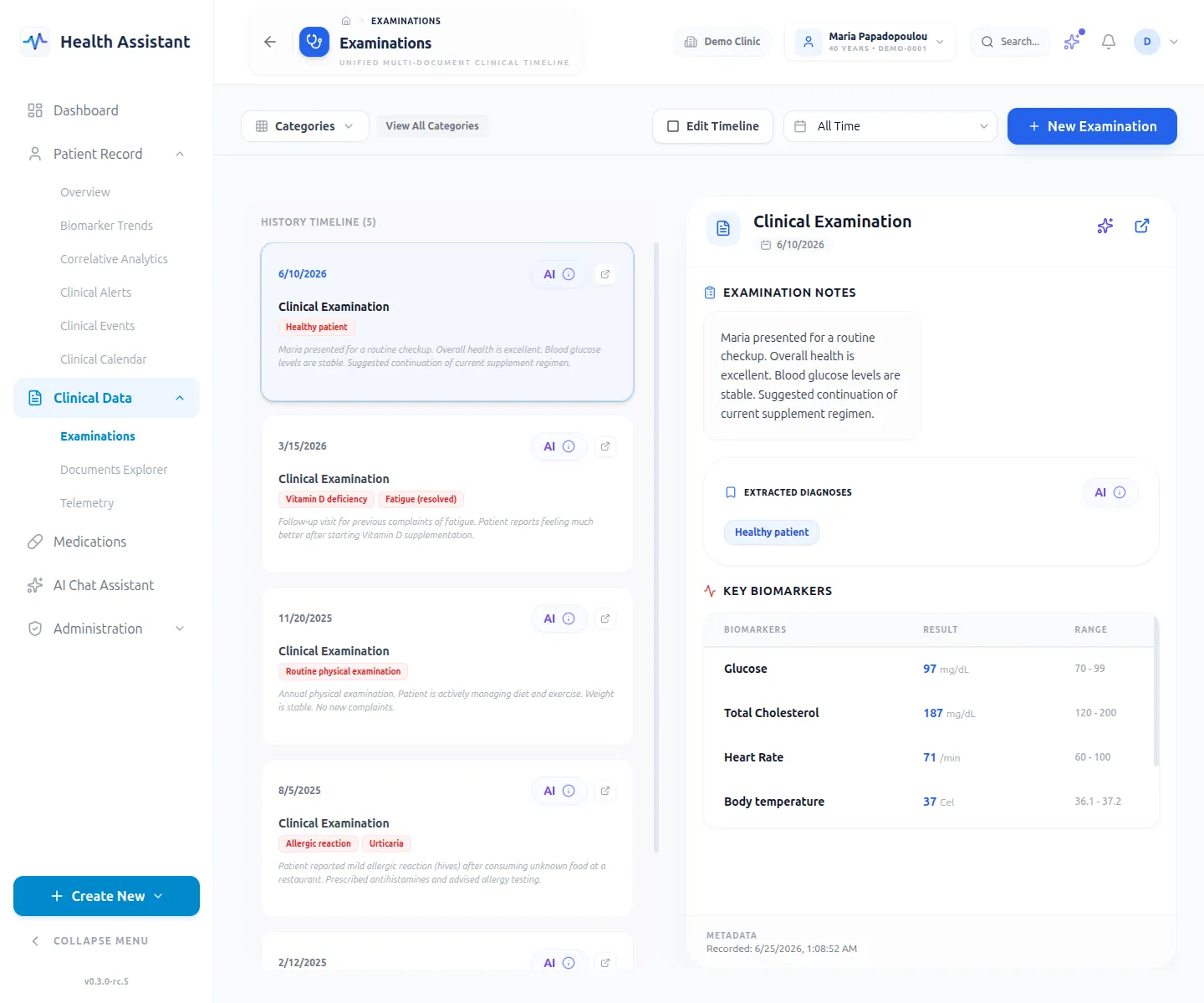
examinations
Examination list — tracking patient visits, consults, and related diagnoses.
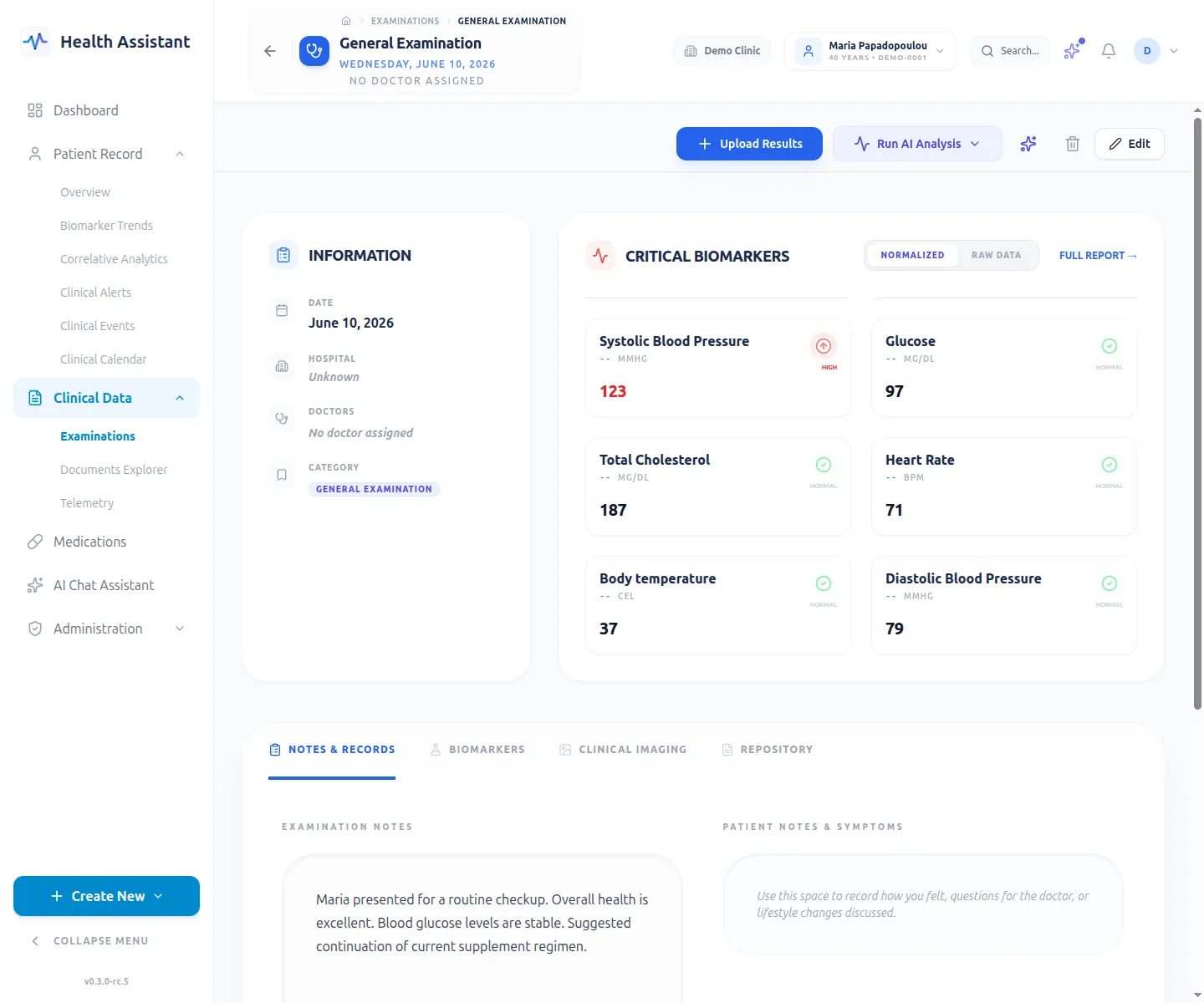
examination-detail
Examination detail view — structured clinical notes and linked entities.
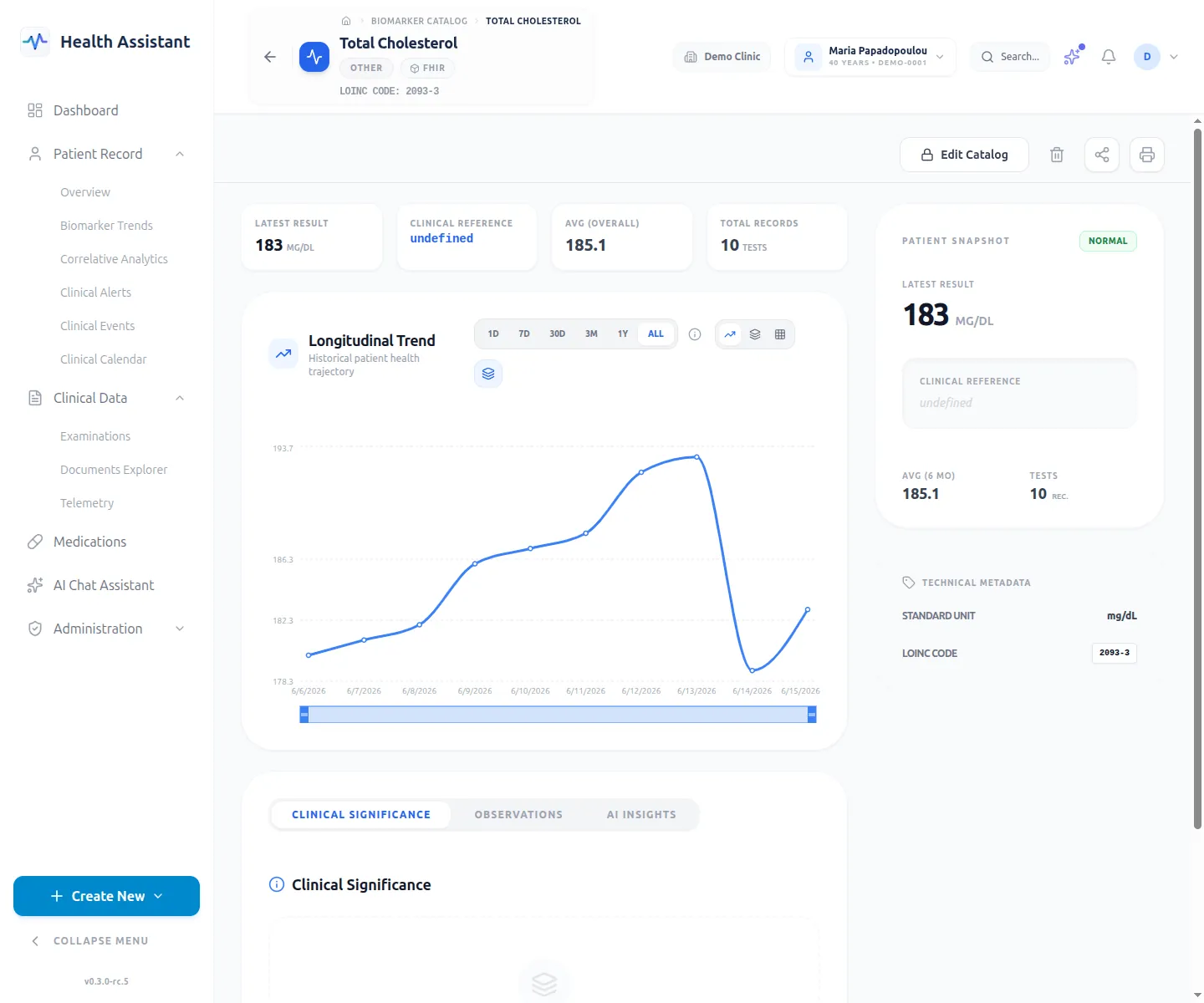
biomarker-detail
Biomarker detail view — longitudinal trends and clinical significance.
AI assistant
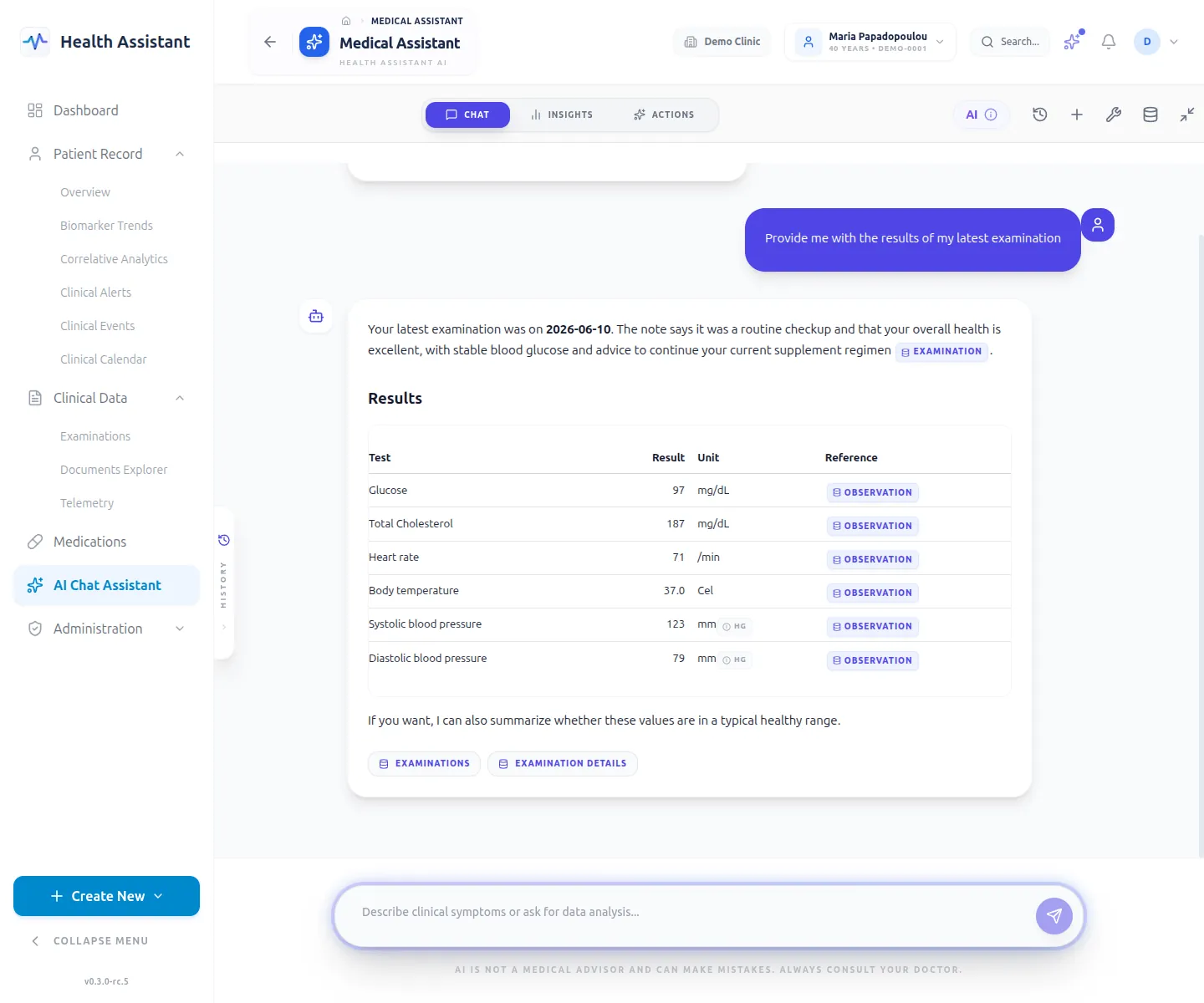
ai-chat
Agentic AI chat — tools, SSE streaming, and HITL task cards.